How to Reduce Abandoned Carts: 7 Tips to Help Customers Complete Checkout
Have you ever had customers select products and add them to their shopping carts, only to leave without completing their payments? This situation is known as cart abandonment and is quite common in online businesses.
For merchants and online business owners, this can be a challenge because customers who are interested in buying are not always guaranteed to complete their transactions. The reasons vary, from unexpected additional costs to a checkout process that is not convenient enough.
So, how can you reduce cart abandonment? Let’s explore the common causes and seven practical steps you can take to make the shopping experience more convenient for your customers.
What Is Cart Abandonment?
Cart abandonment occurs when customers add products to their online shopping carts but do not complete their purchases.
For example, a customer may select a product and proceed to the checkout page but change their mind after discovering that shipping costs are higher than expected or that their preferred payment method is unavailable.
Understanding the reasons behind this behavior is important. It allows your business to focus not only on attracting visitors but also on helping them complete their purchases.
Why Do Customers Abandon Checkout?
Before looking for solutions, you need to understand some of the most common causes of cart abandonment:
- Unexpected additional costs appear at the end of the checkout process.
- The purchasing process is too long or complicated.
- Payment options are limited.
- The checkout page loads slowly or is difficult to use on mobile devices.
- Customers have concerns about transaction security.
- Customers are not ready to buy or become distracted before completing their payments.
Since the reasons can vary, the best approach is to evaluate the customer journey from the beginning through payment. Here are some strategies you can try.
7 Ways to Reduce Cart Abandonment in Online Businesses
1. Display the Total Cost Upfront
Customers may change their minds when they discover additional costs they had not anticipated. Therefore, display product prices, shipping fees, and other relevant charges before customers reach the payment stage.
Transparent pricing helps customers understand the total cost of their purchases from the beginning and reduces unpleasant surprises at checkout.
2. Simplify the Checkout Process
Once customers know the total cost, they should be able to proceed with their purchases easily. Forms that are too long or unnecessary steps can make the process feel inconvenient.
Try simplifying the required fields, providing clear instructions, and considering a guest checkout option that allows customers to purchase without creating an account. The easier the process is to understand, the fewer obstacles customers will face.
3. Offer a Variety of Payment Methods
A simple checkout process may not be enough if customers cannot find a payment method that suits their preferences.
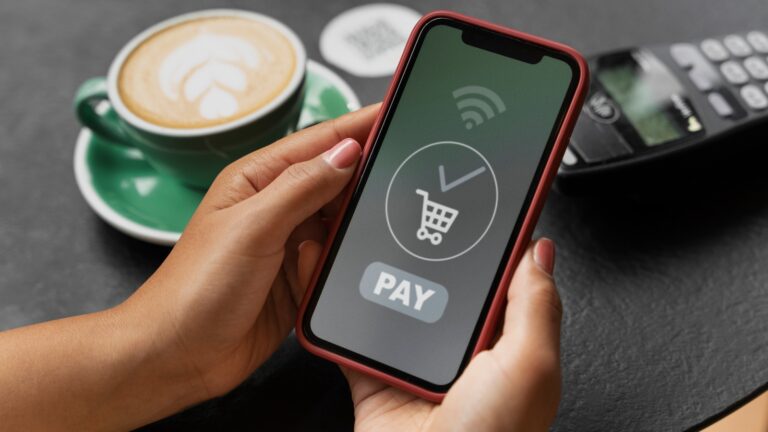
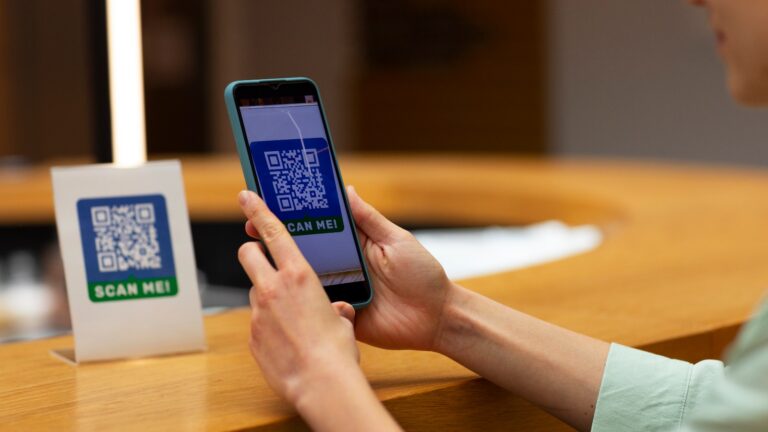
Consider offering options such as bank transfers, cards, QRIS, or e-wallets based on your customers’ needs and the services available. A payment gateway can help your business integrate multiple payment methods through a single system.
With suitable payment options, customers have more ways to complete their transactions without having to look for alternative payment solutions elsewhere.
4. Ensure a Smooth Mobile Checkout Experience
Checkout convenience also matters when customers shop using their smartphones. A cluttered layout, difficult-to-tap buttons, or slow-loading pages can disrupt the purchasing process.
Make sure your checkout page is responsive, forms are easy to complete, and payment buttons are easy to find. Test the process regularly to ensure it works well across different devices.
5. Build Customer Trust
In addition to convenience, trust also influences customers’ decisions to complete their payments.
Make sure product information, return policies, and customer service contact details are easy to find. Use a trusted payment process and provide clear transaction information so customers understand what happens after they make a payment.
6. Send Relevant Cart Reminders
Not all customers abandon their carts because they encounter problems. Some may simply become distracted or run out of time before completing their purchases.
Reminders sent through email or other appropriate communication channels can encourage customers to return to checkout. Keep messages short and relevant, and avoid sending them too frequently. Make sure all communications comply with customer consent and preferences.
7. Monitor Failed Transactions and Evaluate the Results
If customers frequently drop off at the payment stage, you need to identify the reasons. Check whether certain payment methods fail frequently, error messages are confusing, or technical issues affect the checkout page.
Use transaction data and e-commerce analytics to identify areas that need improvement. This allows your business to make decisions based on actual problems rather than assumptions.
The Role of Payment Gateways in Optimizing Payments
Among the strategies discussed above, payment method availability and smooth transaction processing are two important factors to consider. This is where a payment gateway can help businesses manage digital payment processes.
Through payment method integration and transaction monitoring, merchants can manage payments more systematically and evaluate issues that arise during transactions.
However, a payment gateway is not the only solution to reducing cart abandonment. Pricing, user experience, and the overall convenience of the checkout process also play important roles in customers’ purchasing decisions.
Optimize Your Business Payments with Paylabs
Paylabs provides payment gateway solutions with more than 50 payment methods within one ecosystem. It also offers a Real-Time Monitoring Dashboard, 24/7 Paylabs Care, and API integration to support business transaction needs.
With the right solution, your business can manage and monitor transactions more conveniently.
Want to optimize your business payments? Register as a Paylabs Merchant or contact Paylabs via WhatsApp to discuss your business needs.