Beware of Fake QRIS Scams: 6 Ways to Protect Your Business!
Have you ever had a customer claim they paid using QRIS, but the money never showed up in your account? There could be an issue with the QRIS code they used to make the payment.
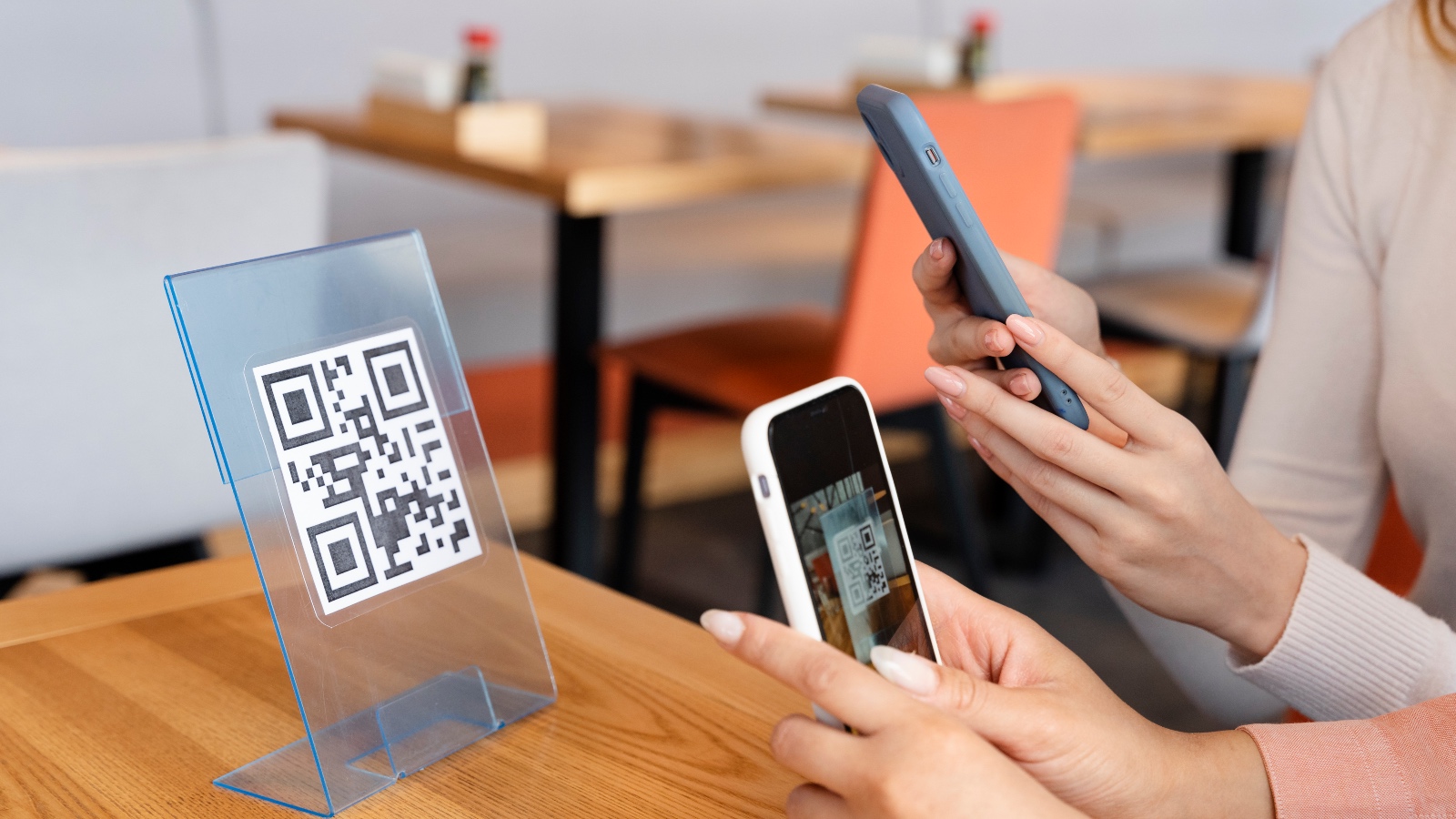
One scam you should be aware of is fake QRIS codes placed over a merchant’s original QRIS code. At first glance, they may look identical, but scanning the fake code redirects payments to the scammer’s account instead.
To avoid falling victim to this type of fraud, let’s explore common QRIS scam tactics, what to do if you encounter one, and how to make sure payments are actually received!
How Do Fake QRIS Scams Target Merchants?
Fake QRIS scams commonly involve static QRIS codes displayed at checkout counters or payment areas. Since these codes are printed and placed in easily accessible locations, they can be tampered with by unauthorized individuals.
Scammers may place a sticker containing their own QRIS code over the merchant’s original code. When customers scan it, their payments are sent to the scammer’s account instead of the merchant’s account.
Another common tactic involves fake payment receipts, such as edited transaction screenshots or previously used payment confirmations.
That’s why it’s important to always verify that each transaction has been successfully recorded in your payment system.
Read More: Which Countries Accept QRIS? List and How to Use It!
What Should You Do If You’ve Been Scammed by a Fake QRIS Code?
If you notice that a payment hasn’t been received or discover a QRIS code that may have been replaced, take the following steps immediately so the issue can be properly investigated:
- Remove the suspected fake QR code and replace it with the original QRIS code once you’ve confirmed that it is safe to use.
- Take photos of the suspicious QRIS code and keep all relevant evidence, including payment receipts, transaction times, and amounts.
- Report the incident to your payment service provider by providing a detailed timeline and supporting evidence so the transaction can be investigated.
- If you’ve suffered financial losses, report the incident to the relevant authorities and submit the evidence you’ve collected.
6 Ways to Prevent Fake QRIS Scams
To prevent similar incidents from happening, make the following checks part of your daily business operations:
- Use Dynamic QRIS. Whenever possible, choose Dynamic QRIS, which generates a different QR code for each transaction.
- Inspect Your QRIS Code Regularly. Make sure there are no additional stickers or other QR codes covering the original one.
- Verify the Recipient’s Name. When customers scan the QR code, check whether the displayed recipient name matches your business name.
- Verify Payments Through Your Payment System. Never rely solely on customer screenshots or payment receipts as proof of successful transactions.
- Enable Payment Notifications. Turn on payment notifications so you can immediately know when a transaction is successful.
- Confirm Every Payment. Check the transaction amount and status before handing over goods or completing an order.
Read More: How to Pay with QRIS Using Mobile Banking: Easy and Convenient
Monitor Payments More Easily with Soundbox on App
In addition to following these preventive measures, choosing the right payment solutions can also help reduce the risk of QRIS fraud. That’s why Paylabs provides convenient payment solutions designed to support secure business transactions.
One of these solutions is Dynamic QRIS, which generates a unique QR code for every transaction. Since each code is created specifically for a particular transaction, merchants no longer need to continuously display a single static QR code at the checkout counter. This helps reduce the risk of fake QRIS stickers being placed over the original code.
Paylabs also offers Soundbox on App, a sound notification feature that provides an alert whenever a transaction is successfully processed through the Paylabs system. With this feature, you can easily identify successful payments without constantly opening the app or manually checking your transaction history.
Some of the key benefits of Paylabs Soundbox on App include:
- Receive notifications whenever a transaction is successfully processed through the Paylabs system.
- Simplify transaction verification without having to check payments manually.
- No additional fees and no need to rent a separate Soundbox device.
- Help merchants identify transactions recorded in the Paylabs system instead of relying solely on customer payment receipts.
By combining Dynamic QRIS and Soundbox on App, receiving and monitoring payments becomes more convenient. This allows you to focus more on serving customers and growing your business.
Looking for an easier way to receive and monitor your business payments? Contact the Paylabs Expert Team to find the right solution for your business needs, or start your registration as a Paylabs Merchant.