How to Pay Using BCA QRIS for Safe and Convenient Transactions
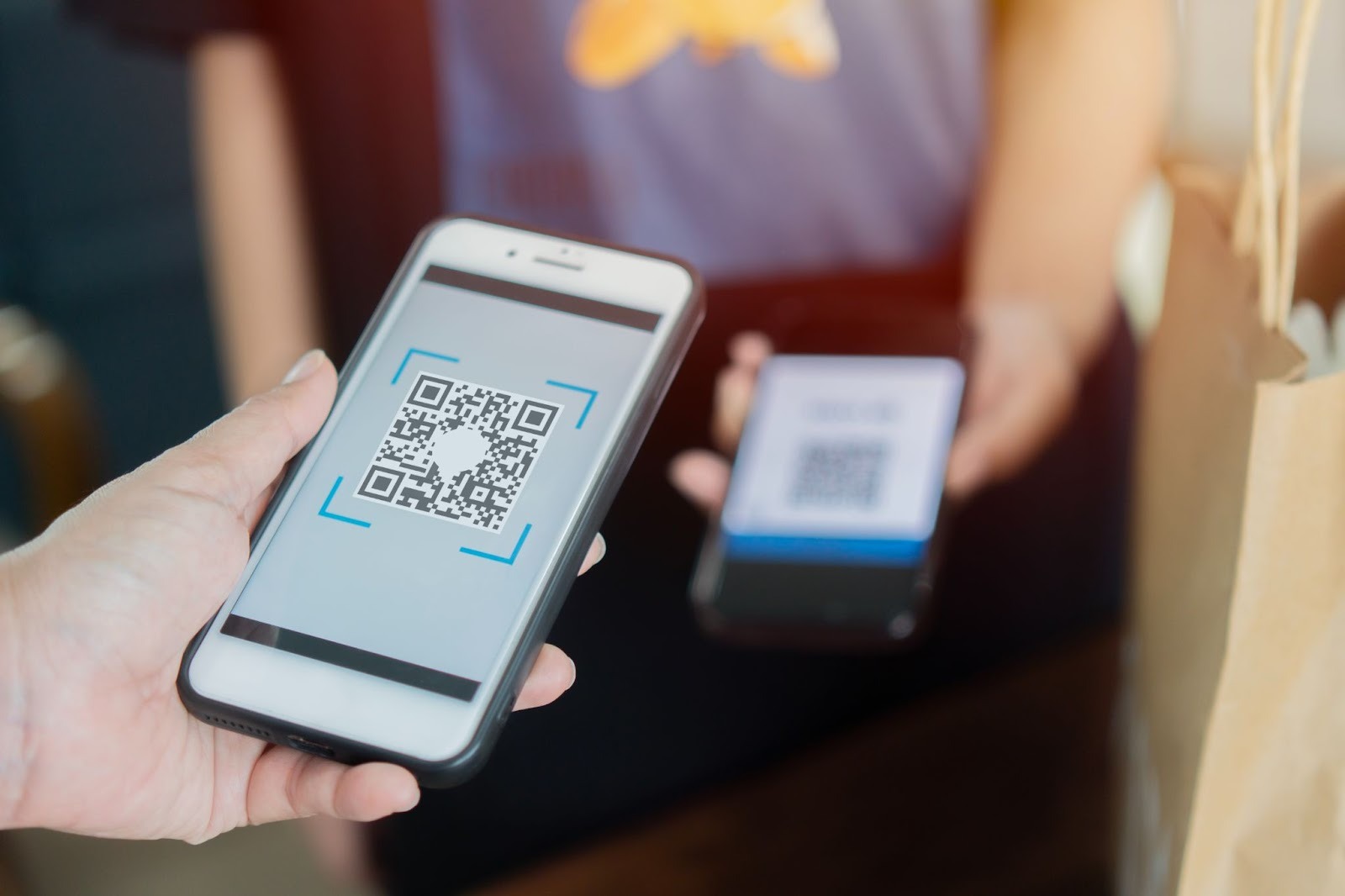
In today’s digital era, speed and convenience have become essential for every transaction from daily shopping and small businesses to online payments. People are now increasingly relying on cashless payment systems that are practical and efficient. One of the most widely used technologies is the Quick Response Code Indonesian Standard (QRIS), a QR code–based payment standard developed by Bank Indonesia to enable transactions with just one universal code, regardless of which app you use.
As one of Indonesia’s leading banks, BCA supports QRIS payments through its BCA Mobile and myBCA applications, allowing users to enjoy a fast, secure, and integrated payment experience. With just your smartphone, you can pay anywhere without the need for cash or cards. So, how to pay using BCA QRIS and make your transactions even smoother? Here’s a complete guide on how to pay using QRIS through the BCA app to make your payment experience effortless and worry-free.
What is QRIS?
QRIS stands for Quick Response Code Indonesian Standard, a national QR code standard developed by Bank Indonesia (BI) and the Indonesian Payment System Association (ASPI). The main goal is to unify multiple QR codes from different payment providers into one standard that can be used across all banks and applications.
Before QRIS was introduced, merchants often had to display several different QR codes, one for GoPay, one for OVO, and another for DANA, which was confusing for customers. QRIS solves this problem by providing one QR code for all payment apps.
With QRIS, anyone can pay using any digital payment app connected to the Bank Indonesia network, making transactions seamless and universal.
When was QRIS implemented?
According to Bank Indonesia’s official website, QRIS was first introduced in August 2019 as part of the National Non-Cash Movement (GNNT). Since then, its implementation has expanded rapidly across Indonesia.
From shopping malls, restaurants, cafes, convenience stores, and traditional markets to schools and places of worship, QRIS is now accepted almost everywhere. This reflects Bank Indonesia’s strong commitment to promoting financial inclusion and supporting the growth of the digital economy ecosystem.
QRIS is also being used for digital donations, parking payments, and even cross-border transactions within the ASEAN region. Indonesia has become one of the pioneers of cross-border QR payment systems through collaborations with Thailand and Malaysia.
Benefits of using QRIS
Using QRIS as a payment method offers many benefits. Here are some of the main advantages:
- Fast and convenient Paying with QRIS is quick and easy. Simply open your payment app, select the QRIS payment option, and scan the merchant’s QR code. Your transaction will be completed within seconds.
- Secure transactions QRIS uses integrated security measures with verification methods like PINs or fingerprints to ensure every transaction is safe. You no longer need to carry physical cash or cards that might be lost or stolen.
- Support cashless payments By using QRIS, you contribute to a safer, more efficient, and cashless payment culture, an important shift in the post-pandemic era.
- Works across multiple apps QRIS is supported by many payment apps, such as OVO, GoPay, DANA, and banking apps like BCA Mobile, so you don’t have to worry about which platform the merchant uses. You can easily use the QRIS feature to make payments at any merchant that provides a QR code through BCA Mobile. This feature allows you to complete transactions faster, more securely, and without the need to carry cash.
How to pay using BCA QRIS
If you already have a BCA account and want to know how to pay using BCA QRIS, follow these simple steps. This method can be used at any merchant that supports digital payments, making your transactions faster and more secure.
- Step 1: Open the BCA Mobile app Make sure you have downloaded and installed the BCA Mobile app on your smartphone. Log in using your username and PIN.
- Step 2: Select “QR Payment” On the home screen, tap on the “QR Payment” menu. This feature allows you to make payments using QRIS directly from the app.
- Step 3: Scan the QR code Point your phone’s camera toward the merchant’s QR code, either displayed on their EDC machine or shown at the checkout counter. You can also use QRIS for online purchases when the QR code is displayed on the website or app.
- Step 4: Enter the payment amount After scanning, the app will display the merchant’s name and payment details. Verify that all the information is correct.
- Step 5: Confirm and complete the payment Once you’ve checked the details, tap “OK” to continue. Enter your BCA PIN or authenticate using Face ID or fingerprint. Your payment will be processed instantly, and you’ll receive a success notification.
With these simple steps, you can easily complete transactions using QRIS on the BCA Mobile app, fast, secure, and hassle-free.
How to pay using QRIS on other payment apps
Besides BCA Mobile, you can also use other QRIS-supported apps such as GoPay, OVO, DANA, or LinkAja. Here’s how to pay using QRIS through these platforms:
- Open your preferred digital payment app.
- Select the QRIS payment option, usually represented by a QR icon on the main screen.
- Scan the merchant’s QR code.
- Enter the payment amount and verify the transaction details.
- Confirm the payment using your PIN, fingerprint, or Face ID.
Now you know how to pay using BCA QRIS and other QRIS-compatible apps. This digital payment system has revolutionized the way people in Indonesia make transactions.
For consumers, QRIS offers fast, easy, and secure payments anywhere and anytime. For businesses, it helps reach more customers efficiently by supporting multiple payment methods through a single QR code.
If you’re a business owner, make sure your store supports QRIS payments through a trusted payment gateway like Paylabs. With Paylabs, you can offer customers a seamless, secure, and reliable payment experience that strengthens trust and boosts sales. To learn more about how to create a free all-payment QRIS, visit our next article for a detailed guide.
Source: https://www.bi.go.id/id/fungsi-utama/sistem-pembayaran/ritel/kanal-layanan/qris/default.aspx