A Transfer Receipt Is Not Proof of Successful Payment: What Businesses Need to Know!
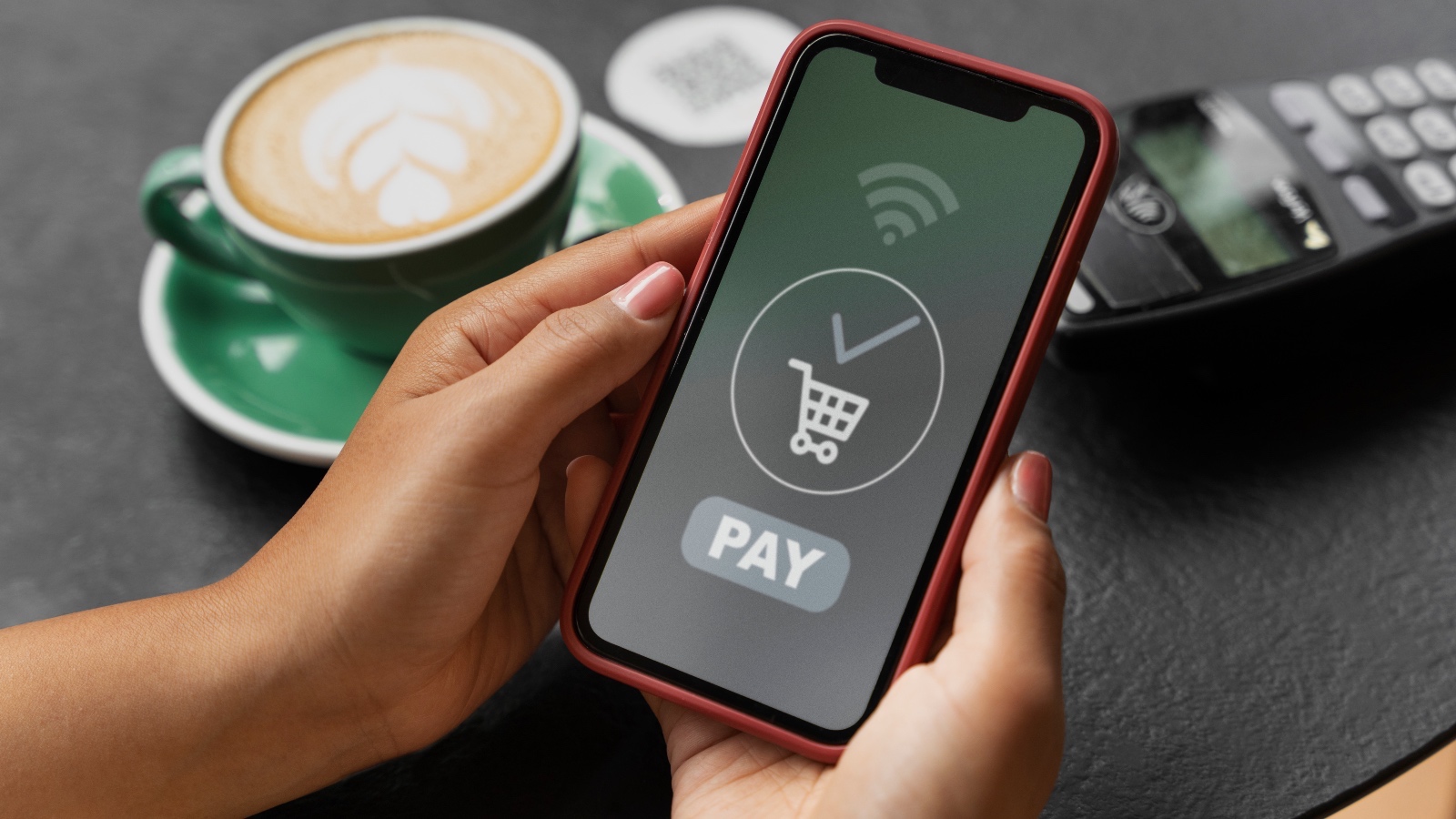
A customer shows you a transfer or payment receipt and asks you to process their order immediately. But when you check your account, the money hasn’t come in. Have you ever been in this situation? If so, it’s time to be more cautious.
Don’t rush to process an order just because you’ve seen a payment screenshot. Fake transfer receipts and payment confirmations can be created in various ways, from editing images and reusing old transaction receipts to using AI to make them look convincing. The same scams can also happen with QRIS payments.
To help protect your business from financial losses, let’s learn how to check transfer receipts and make sure payments have actually been received!
What Is a Fake Transfer Receipt?
A fake transfer receipt is an image, screenshot, or transaction document that has been manipulated to make it appear as though a payment has been successfully completed, even though the funds have not been received.
Scammers can alter the amount, recipient’s name, transaction date, or payment status. For QRIS payments, they may also show an edited fake QRIS payment receipt, reuse an old transaction receipt, or claim to have paid when the transaction is still pending or has failed.
That’s why you shouldn’t rely solely on receipts provided by customers. Always verify that the transaction is recorded through your official payment channel.
Read More: Want Higher Checkout Conversion? Add These Payment Methods!
6 Ways to Check for Fake Transfer Receipts Before Shipping Orders
1. Don’t Trust Transfer Screenshots Immediately
A screenshot that looks complete doesn’t necessarily mean the payment has been successful. Use it as an initial reference, then verify the payment through your bank account or official payment system.
2. Check Your Bank Statement or Transaction History
Check your bank statement through mobile banking, internet banking, or your bank’s official channels. For QRIS payments, check your transaction history through your payment app or dashboard. If the transaction hasn’t been recorded, don’t rush to hand over the order.
3. Verify the Payment Amount and Details
Make sure the amount received matches the total order amount. If possible, also check the transaction time, sender’s name, and reference number. For QRIS payments, make sure the transaction details match the payment you’re verifying.
4. Make Sure the Transaction Status Is Successful
Transactions marked as pending or failed should not be considered successful payments. Confirm that the transaction status is successful through your app, payment dashboard, or official payment system.
5. Use Official Payment Notifications
Payment notifications can also help you confirm incoming transactions without having to manually check your transaction history repeatedly. For QRIS payments, sound notifications can make it easier for cashiers to know when a payment has been successfully completed.
6. Always Verify Payments Before Shipping Orders
If you have cashiers or an operations team, establish an SOP that requires payment verification and confirmation before orders are processed. This ensures that every transaction is verified first, whether it’s a bank transfer or a QRIS payment.
Read More: Making Transactions Easier: Why Does Your Business Need Digital Payments?
Monitor Payments More Easily with Soundbox on App
To make transaction monitoring more convenient, you can use Paylabs’ Soundbox on App feature through the Paylabs dashboard. This feature provides real-time sound notifications whenever a transaction is successfully processed.
This way, you can instantly know when a payment has been received without having to keep opening the app or manually checking your transaction history. Plus, it doesn’t require an additional soundbox device and comes with no rental fees.
Don’t let payment issues disrupt your business operations! Contact the Paylabs Expert Team to find a payment solution that fits your business needs, or start joining as a Paylabs Merchant today!